The Myth of the 8-Hour Freelance Day
If you are billing 8 hours a day as a freelancer, you are likely working 12 hours a day. The administrative overhead—emailing, invoicing, context switching, and prospecting—consumes massive amounts of time.
To scale your income without burning out, you must ruthlessly optimize your productivity stack.
1. The Command Center: Raycast (Mac) or PowerToys (Windows)
Stop using your mouse to open apps or find files. Raycast (or PowerToys Run) allows you to launch apps, search files, calculate time zones, and manage your clipboard entirely from your keyboard. It saves micro-seconds that add up to hours over a month.
2. Time Boxing: Cron (Notion Calendar)
The "to-do list" is dead. If a task isn't on your calendar, it won't get done. Use Notion Calendar to physically block out time for deep work, admin, and client calls. Treat deep work blocks as immovable appointments.
3. Client Communication: Loom & Slack Connect
Never type a 5-paragraph email to explain a visual problem. Use Loom to record a 2-minute video. It conveys tone better, reduces misunderstandings, and is infinitely faster. For active clients, use Slack Connect channels rather than email threads.
4. Business Automation: FreelancerPulse
Administrative tasks should be automated. Use FreelancerPulse to handle the heavy lifting:
- Estimates: Use the AI Project Estimator to instantly generate branded PDF quotes.
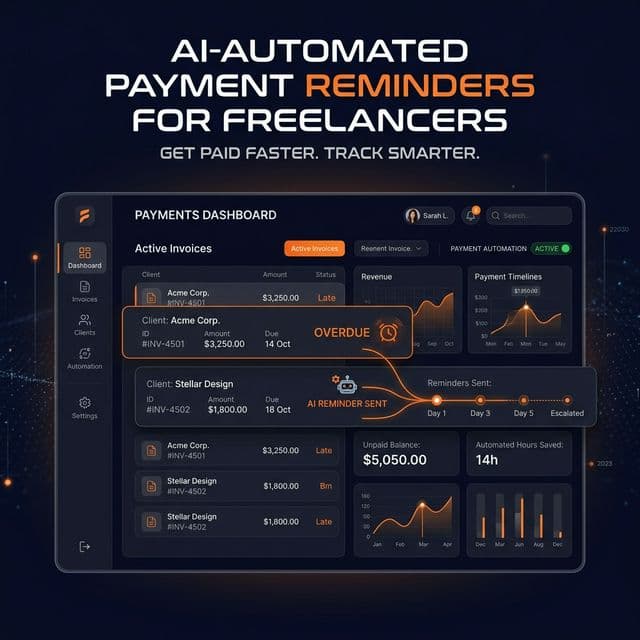
- Collections: Use DepositPulse to automatically chase late payments so you never have to think about it.
5. Focus Enforcement: Cold Turkey Blocker
Willpower is a finite resource. Use tools like Cold Turkey to brutally block distracting websites during your dedicated deep work blocks.
Conclusion
Your tools should work for you, not the other way around. By adopting a modern productivity stack, you can reclaim those lost administrative hours and focus on what actually moves the needle: doing great work.